
MLS Photo Requirements: What Gets Your Listing Flagged or Rejected
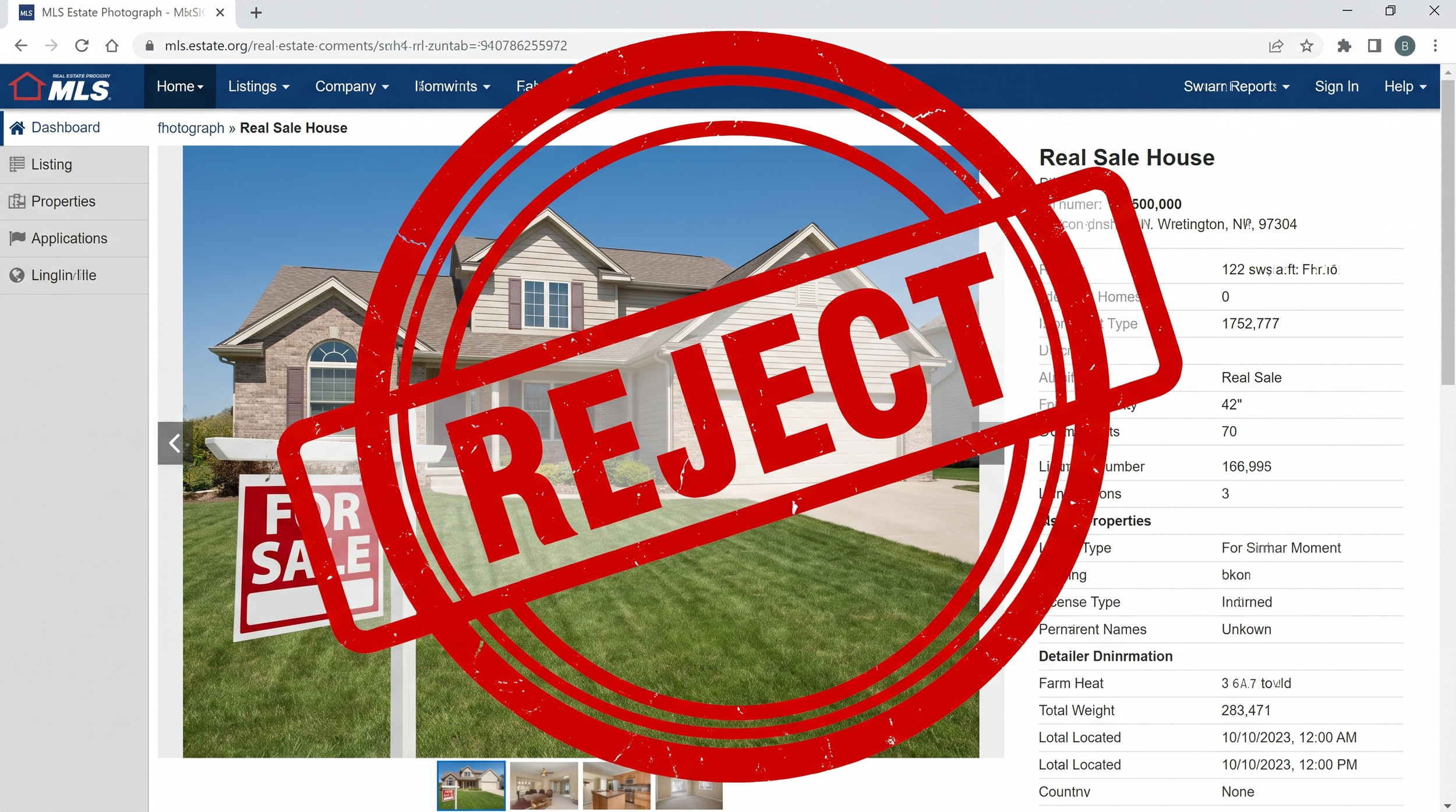
Why MLS Photo Rules Exist
MLS photo policies exist to keep listings consistent, honest, and fair across every brokerage using the system. They're not arbitrary — most rules trace back to preventing misleading representations of a property or unfair advertising advantages for one agent over another. Understanding the common triggers saves you from a rejected upload the night before an open house.
Common Reasons Listings Get Flagged
- Watermarks, logos, or contact information overlaid on the images — most MLS systems prohibit any branding on photos
- Visible for-sale signs, especially from a different brokerage, or any signage showing a phone number
- People clearly visible in photos, including agents, homeowners, or sellers' family members
- Images below the minimum resolution or dimension requirement set by your local MLS
- Virtually staged or AI-enhanced photos uploaded without the required disclosure tag
- Photos of a different unit or property than the one listed (common in condo/multi-unit buildings)
Most MLS rejections are avoidable with a two-minute review before upload.
2026 Disclosure Rules for AI-Enhanced Photos
As of 2026, most major MLS systems require a clear disclosure on any image that has been materially altered — this includes virtual staging, virtual twilight conversion, object removal, or sky replacement. The exact labeling requirement varies by MLS, but the trend is consistent: buyers need to know when what they're looking at isn't a straight photograph.
This isn't just a compliance box to check — undisclosed alterations that mislead a buyer can create real liability for the listing agent, not just the photographer.
A Pre-Upload Checklist
- Confirm images meet your MLS's minimum resolution (usually at least 1024px on the longest side, often higher)
- Check that no watermarks, logos, or contact info appear anywhere in the frame
- Verify no people, pets, or visible signage from other brokerages made it into the final set
- Flag any virtually staged or AI-enhanced images and apply the correct disclosure tag
- Make sure photos match the actual unit/address being listed — easy to mix up in multi-unit buildings
The Bottom Line
Most MLS rejections are avoidable with a two-minute review before upload. Building this checklist into your listing launch routine — rather than discovering a rejection after your open house is already scheduled — is the difference between a smooth launch and a frustrating delay.
If you want a second set of eyes before your next upload, book a shoot with Studio Hanashi — virtually staged and AI-enhanced images are flagged at delivery so your upload stays compliant from the start.
